Work Lists
Work lists are freely assembled, personal or shared collections of record references — e.g. a selection for an upcoming exhibition, a checklist of open conservation cases, or a hold list. Unlike the curatorial Collections (a core type of its own), work lists are purely internal, not visible in the portal, and schema-free.
They are managed in the admin UI under Work Lists.
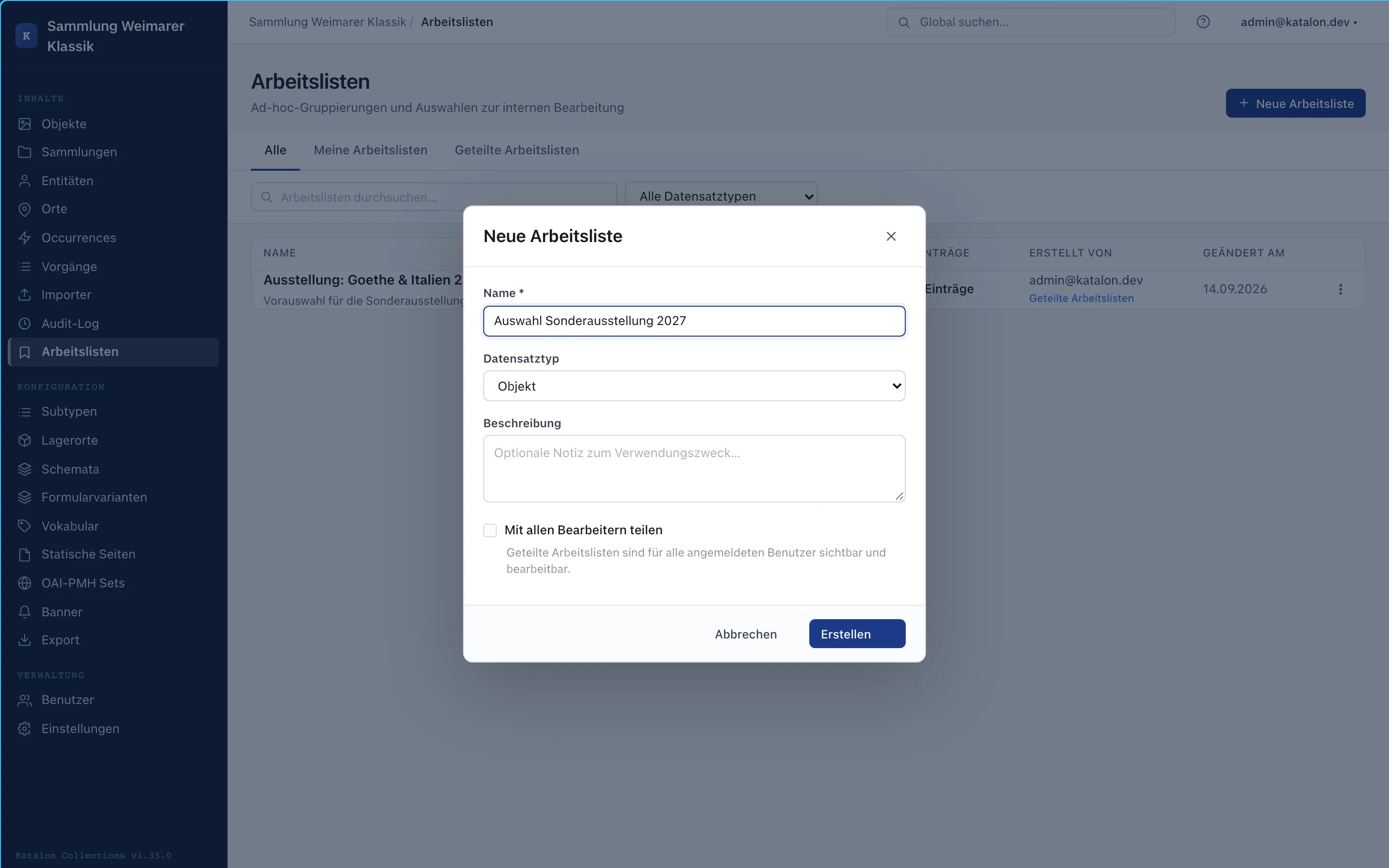
Creating a work list
Section titled “Creating a work list”- Click New Work List.
- Enter a name and, optionally, a description.
- Optionally set a record type to which the list stays restricted — without a restriction, the list can contain records of all seven core types mixed together.
- Enable Share with all editors so the list becomes visible and editable for all logged-in users. Without this option, the list is only visible to the person who created it (My Work Lists).
Adding and managing records
Section titled “Adding and managing records”- In any list view (Objects, Entities, Places, Occurrences, Procedures, Collections), select one or more records and choose Add to Work List — either pick an existing list or create a new one directly.
- Within a work list, entries can be manually reordered with Move up/down and given a free-text note (e.g. processing status or remark).
- Remove only takes a record out of the work list — the record itself stays unchanged. The same applies when deleting the entire work list: the records it contains are left untouched.
Batch editing from a work list
Section titled “Batch editing from a work list”The Batch Editing button applies the same bulk editing available in the regular list views to all records in a work list (set status, set/append/clear field, add/remove relation) — see Batch Editing. This is especially useful when the affected records were gathered from several separate searches or filters and can’t be captured by a single list filter.