Locking a Record (Exclusive Lock)
Overview
Section titled “Overview”Besides the automatic editing indicator (see below), there is a manual, persistent lock: locking a record actively prevents other users from saving it — e.g. during extended research, coordination with external parties, or whenever a record must remain untouched for professional reasons.
Permission
Section titled “Permission”Setting a lock is its own permission (Set manual lock) and is granted per role under Management → Users → Role Permissions. Without this permission, the Lock button does not appear in the edit form.
Administrators and superusers can release any lock regardless of this permission (see Forcibly releasing a lock).
Setting a lock
Section titled “Setting a lock”- Open the record in the edit form.
- Click Lock at the top of the form.
- Optionally enter a reason and/or set an expiry date.
- Confirm with Lock.
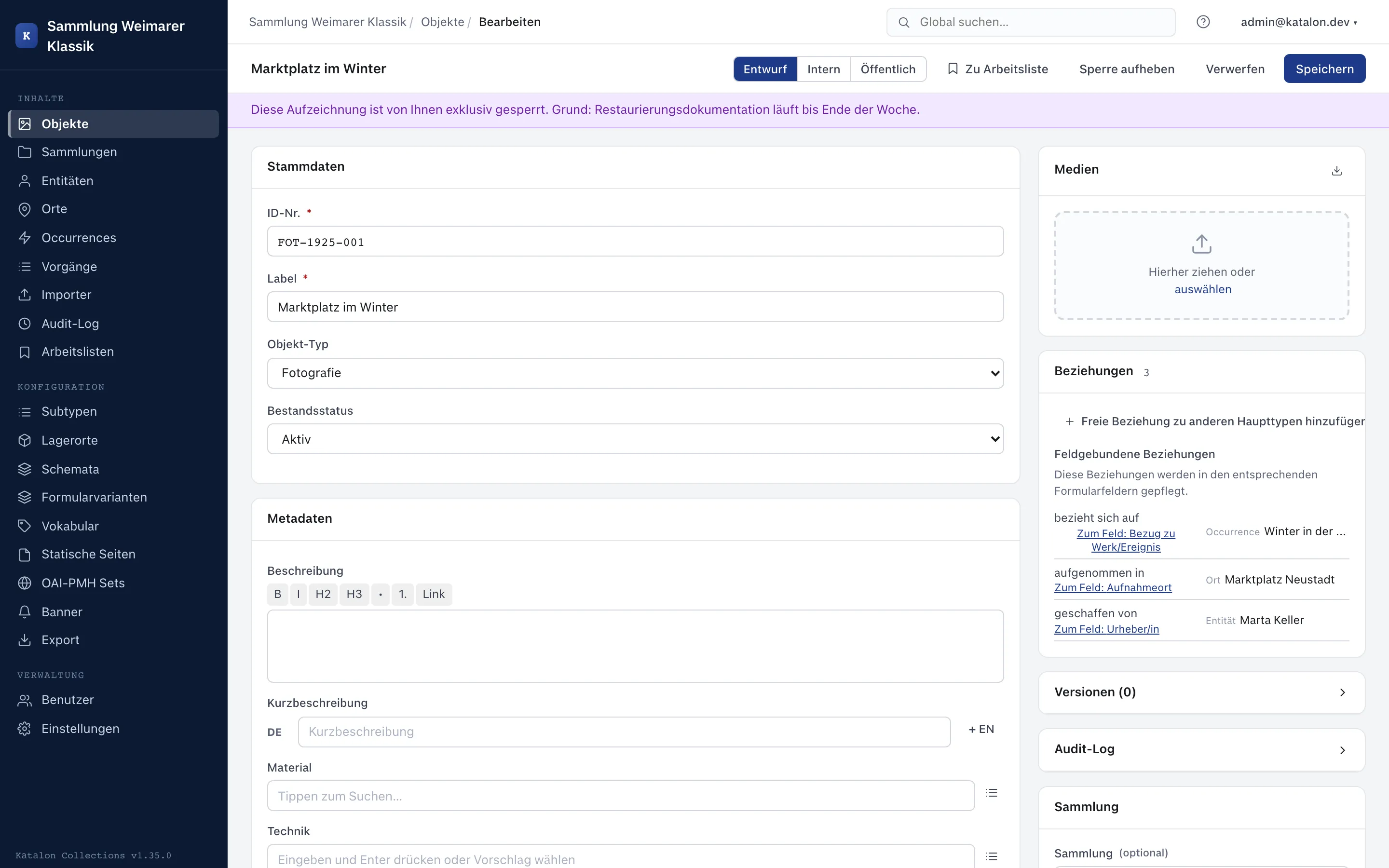
The record then shows a purple notice bar above the form with the user, reason, and — if set — expiry date.
Effect of the lock
Section titled “Effect of the lock”While a lock is active, the server rejects every save attempt by other users with a conflict error, regardless of the channel (form or API). The lock applies to all seven record types (Objects, Entities, Places, Occurrences, Procedures, Collections, Storage Locations).
The person who set the lock can continue to edit and save the record.
Releasing a lock
Section titled “Releasing a lock”The person who set the lock releases it again via the same button (now labeled Release lock). If an expiry date is set, the lock automatically expires once it is reached, even without manually releasing it.
Forcibly releasing a lock
Section titled “Forcibly releasing a lock”Administrators and superusers can release someone else’s lock at any time, for example when the person who set it is unreachable. Forced release is available independently of the Set manual lock permission.
Distinction from the editing indicator
Section titled “Distinction from the editing indicator”The exclusive lock is independent of the automatic editing indicator, which shows when another user currently has the same record open. This indicator is purely informational and disappears as soon as the form is closed — it does not prevent saving. Only the manual lock described in this chapter actively blocks saving.
Locks in the list view
Section titled “Locks in the list view”In list views, a purple lock pill marks each locked record. Hovering over the pill shows who locked it and the reason.