Banner
Banners are short, color-highlighted notice messages displayed above the admin interface and/or in the public portal — e.g. for a planned maintenance window, an import lock, or an announcement.
They are managed in the admin UI under Configuration → Banner.
Creating a banner
Section titled “Creating a banner”- Click New Banner.
- Enter the message text.
- Choose a color: blue (information), yellow (warning), red (critical), green (success/notice).
- Set the display location:
- Show in admin — appears for logged-in editors and administrators.
- Show in portal — appears for visitors of the public catalog.
- Optionally set an expiry date. Once that point is reached, the banner automatically stops being shown, without needing to be manually deactivated.
- Save.
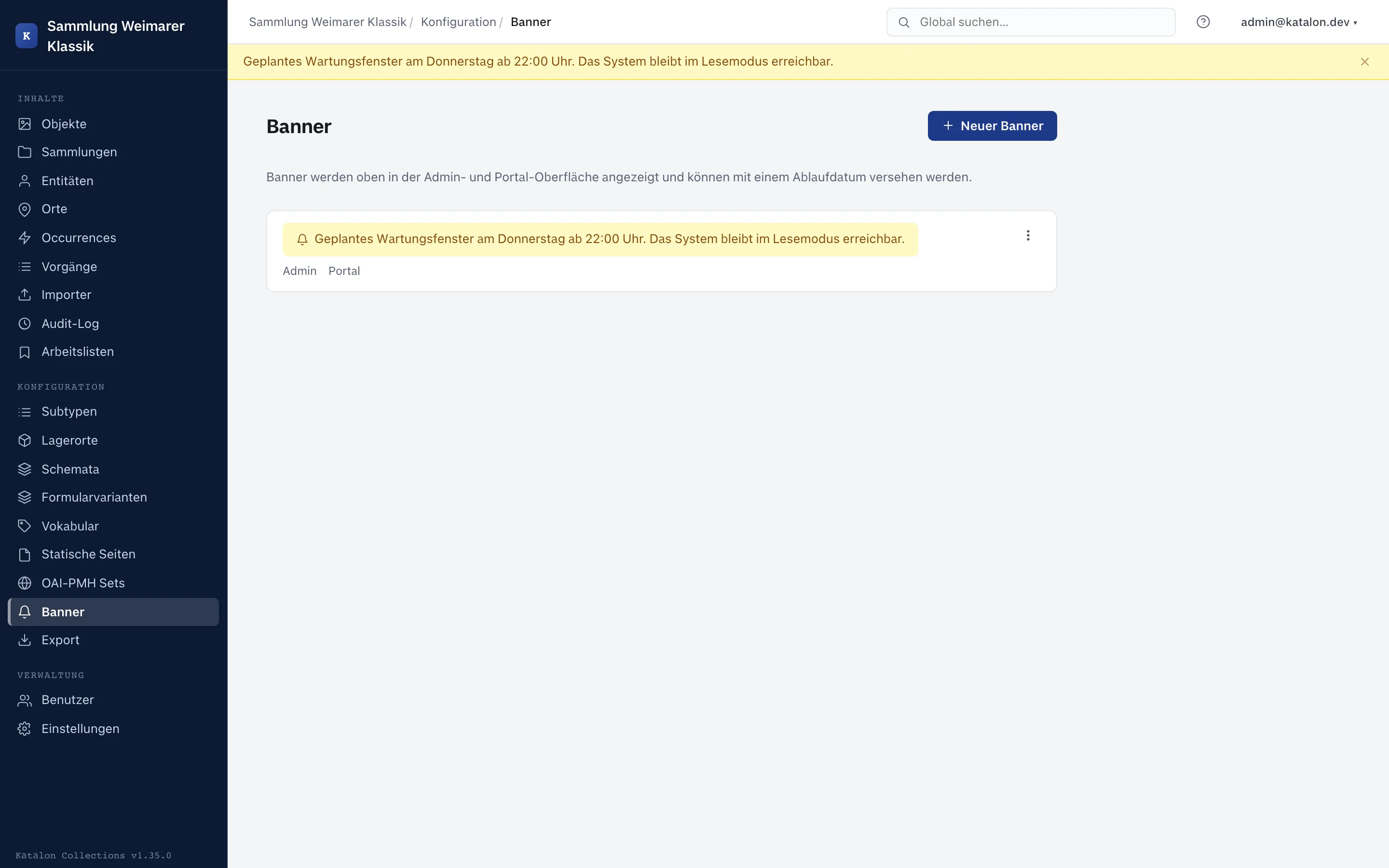
Multiple active banners are shown at the same time.
Activating, deactivating, deleting
Section titled “Activating, deactivating, deleting”- The status toggle in the banner list (de)activates a banner immediately, without changing its text.
- Expired banners (expiry date in the past) remain in the list but are no longer shown — they can still be edited or deleted.
- The trash button deletes a banner irrevocably.